Key Takeaways
-
AI cartoon generators use advanced Neural Style Transfer technology to transform photos while preserving key features and expressions according to V7 Labs.
-
The best tool depends on your need: mobile apps for speed, web tools for quality, and platforms like PearlFrame for creative control and high-resolution output.
-
For optimal results, use clear, well-lit photos and experiment with specific style prompts to guide the AI.
-
Modern AI tools can convert images in under 30 seconds and offer styles ranging from Pixar and Disney to anime and watercolor.
-
You can use the generated cartoon images for personal and commercial purposes, making them perfect for social media, marketing, and custom gifts.
Introduction
Ever scrolled through social media and seen friends transformed into adorable Pixar characters or sleek anime avatars? Turning a photo into a cartoon is no longer a complex task for graphic designers. Today, thanks to artificial intelligence, anyone can turn photo into cartoon with a single click. This guide will walk you through everything you need to know in 2026, from the cutting-edge technology behind the magic to the practical steps for creating your own stunning cartoon images. Whether you want a new profile picture, a unique gift, or just to explore your creative side, learning how to turn photo into cartoon with AI is a fun and accessible skill.
What is AI Cartoon Photo Generation?
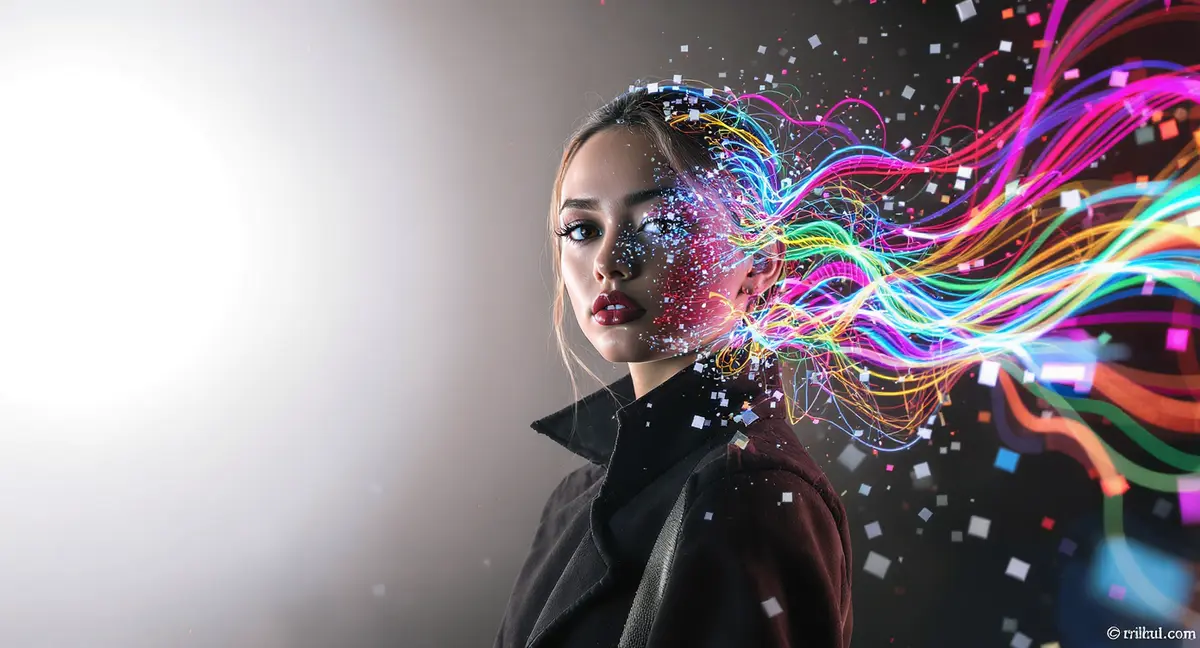
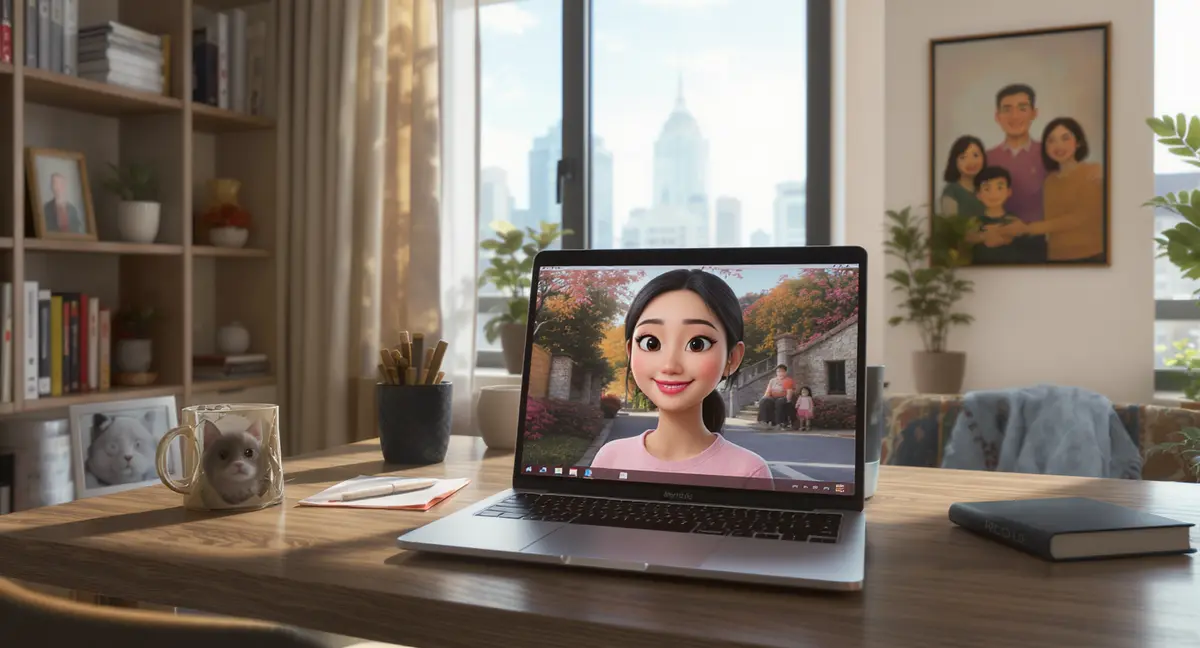
AI cartoon photo generation is the process of using artificial intelligence algorithms to automatically transform a standard photograph into a stylized cartoon or illustration. Unlike basic filters, these AI tools don't just overlay effects. They intelligently analyze your image's content—like faces, expressions, and scenery—and reinterpret it through the lens of an artistic style.
At its core, this technology is powered by Neural Style Transfer (NST). As research from V7 Labs explains, NST uses deep learning to separate and recombine the content of your photo with the style of a reference artwork. More advanced systems go further, training on vast datasets of paired photos and cartoon images to learn direct mapping relationships. This allows for coherent transformations that maintain your likeness while applying consistent, professional-looking stylistic rendering as noted in a study on PubMed Central.
The result is a seamless image to cartoon conversion that preserves your identity while granting you access to dozens of artistic genres, from 3D animation to classic comic book art.
Key Benefits of Using AI to Cartoonize Photos
Unmatched Speed and Convenience
Gone are the days of manual tracing or complex software. Modern AI generators can turn photo into cartoon in as little as 10-30 seconds. This instant processing allows for rapid experimentation, letting you try multiple styles on the same photo without any technical skill.
Professional-Quality Results Accessible to All
These tools democratize high-end digital art. You don't need years of drawing experience to create a cartoon avatar that looks like it came from a professional studio. The AI handles the intricate details of line work, shading, and color palettes, delivering polished results.
Massive Variety of Artistic Styles
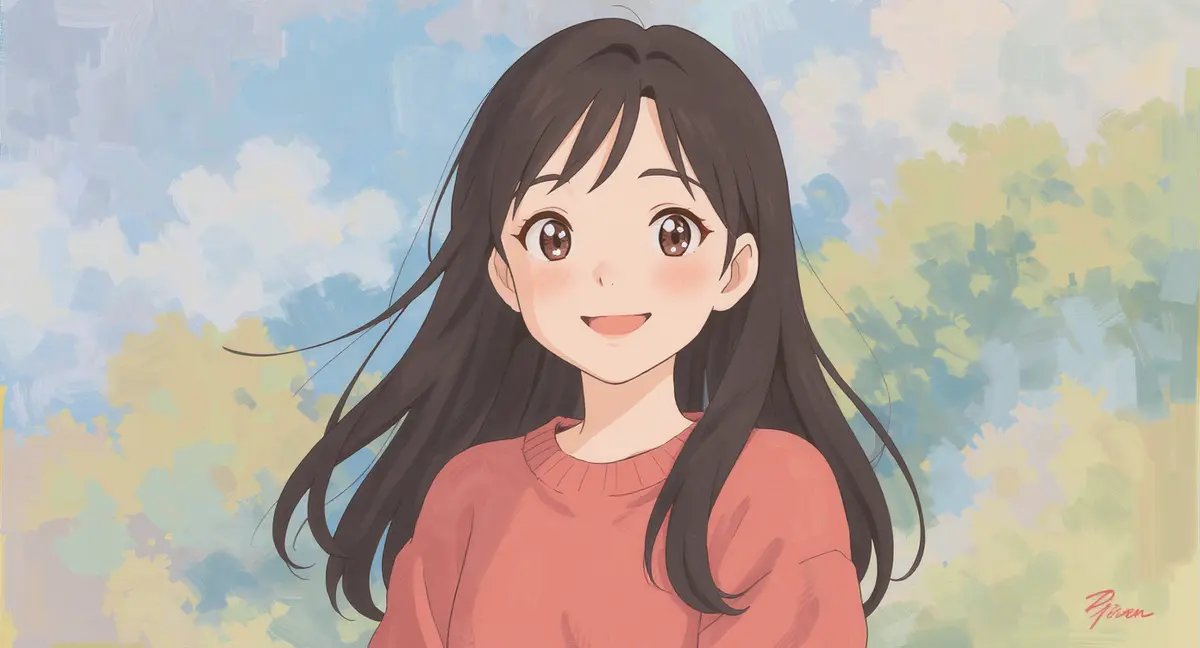
From the whimsical charm of Studio Ghibli to the bold lines of a graphic novel, the range of styles is vast. You can explore Pixar-style 3D renders, watercolor paintings, pixel art, vintage comics, and much more—all from the same original photo.
Preservation of Identity and Emotion
A common pitfall of early stylization tools was that they made everyone look generic. Today's AI, equipped with enhanced attention mechanisms, excels at preserving key facial features, unique expressions, and even the mood of the original photograph according to technical research.
Commercial and Personal Utility
The cartoon images you create are perfect for a wide array of uses: standout social media profile pictures, personalized greeting cards, custom merchandise like T-shirts and mugs, branded marketing materials, or unique digital gifts for friends and family.
How to Turn Photo into Cartoon with AI: A Step-by-Step Guide
Following these steps will ensure you get the best possible cartoon version of your photo, whether you're on a phone or computer.
Step 1: Choose the Right Photo
The input quality dictates the output quality. For best results:
-
Use a clear, high-resolution photo with good lighting.
-
Ensure the subject is in focus and well-framed.
-
Avoid overly busy backgrounds if you want the focus purely on the subject (though many AI tools can handle them).
This principle applies whether you're using a mobile app or a web platform. A 2026 review of tools confirms that image quality is the top factor affecting final results according to MindPic AI.
Step 2: Select Your Tool
Your choice here depends on your device and desired outcome.
-
To turn photo into cartoon iPhone/Android quickly: Use a dedicated mobile app like ToonApp or ToonMe. These are optimized for speed and easy sharing. ToonApp, for instance, offers full-body transformations and is regularly updated with new styles.
-
For higher quality and more control: Use a web-based platform. Tools like Fotor or specialized AI platforms offer more styles and higher resolution downloads. For ultimate creative control and the ability to generate entirely new scenes, consider a versatile AI image generator like PearlFrame. While great for text-to-image, PearlFrame's advanced models like Flux Kontext are also exceptional for guided image-to-image transformations, allowing you to describe the exact cartoon style you want.
Step 3: Upload and Apply Your Chosen Style
This is the fun part. After uploading your image, browse the available style library. Don't just pick the first "cartoon" filter. Look for specific styles that match your vision:
- Portrait? Try "3D Character" or "Anime".
- Pet photo? Look for "Cute Cartoon" or "Toy Style".
- Landscape? "Watercolor" or "Graphic Novel" effects can be stunning.
Many advanced platforms, including PearlFrame, allow you to add a text prompt to further guide the AI. Instead of just selecting "Pixar," you could prompt for "Pixar-style character with joyful expression, cinematic lighting."
Step 4: Generate, Refine, and Download
Click the generate button and wait a few seconds. Most tools will give you multiple variations. If the first result isn't perfect, don't hesitate to:
- Adjust the "style strength" slider if available.
- Regenerate with a slightly different prompt.
- Try a different but similar artistic filter.
Once satisfied, download your image. Prioritize tools that offer high-resolution, watermark-free downloads if you plan to print or use the image commercially.
Now that you've seen what's possible, why not bring your own ideas to life? Try creating your own unique AI image right here.
Advanced Tips, Tools, and Creative Alternatives
Pro Tips for Flawless Cartoons
- Master the Prompt: When using tools with text prompts, be descriptive. "A cartoon version of this person in the style of a 1990s Saturday morning cartoon, with bold outlines and vibrant colors" will yield better results than "make it a cartoon."
- Batch Process for Consistency: Need cartoons of a whole team or family? Some web tools offer batch processing to apply the same style to multiple images, ensuring a cohesive look.
- Edit After Generation: Your cartoon image doesn't have to be the final product. Use it in a design tool like Canva to add text, frames, or other graphics. You can also use an AI-powered editor to make further tweaks.
Understanding the Technology Behind the Tools
The best AI cartoon generators in 2026 use more than just basic style transfer. They employ domain-adaptive models trained specifically on cartoon imagery. This means the AI doesn't just apply a style; it understands the fundamental differences between a photo and a cartoon—like how to simplify textures, emphasize lines, and use flat colors effectively. This leads to more authentic and aesthetically pleasing results.
Exploring Alternative Creative Avenues
Turning a photo into a cartoon is just one application of AI image technology. If you enjoy this process, consider exploring:
- AI Character Consistency: For projects like comic strips, maintaining the same character across different scenes is key. Techniques involving seed locking and model fine-tuning, as discussed in a guide by Neolemon, are advancing to solve this challenge.
- Full AI Image Generation: Instead of transforming a photo, you can create original cartoon artwork from a text description alone. This is where a platform like PearlFrame shines, allowing you to build entire cartoon scenes and characters directly from your imagination.
- Integration with Broader Workflows: The cartoon avatar you create can be the starting point for larger projects, such as illustrations for a vision board or consistent branding elements. For ideas on weaving AI art into larger goals, our guide on how to make a vision board offers great insights.
Conclusion
Turning a photo into a cartoon with AI is a perfect blend of technology and creativity. It's fast, fun, and incredibly accessible, offering everyone the chance to see themselves or their world through a new, artistic lens. By choosing the right tool for your needs, starting with a quality photo, and not being afraid to experiment with styles and prompts, you can produce stunning cartoon images that are perfect for sharing, printing, or professional use.
The field of AI image generation is evolving rapidly, bringing ever-more sophisticated and controllable tools to our fingertips. Whether you use a specialized cartoonizer app or a powerful multi-model platform, the power to create is now yours.
Ready to explore beyond simple filters and generate truly unique cartoon art? Try PearlFrame to experiment with AI-driven image creation and transformation, turning your creative visions into high-quality visuals in seconds.
Frequently Asked Questions
How does AI turn a photo into a cartoon?
AI uses a technology called Neural Style Transfer (NST). It analyzes your photo to understand its content (like faces and objects) and then applies the stylistic elements (like lines, colors, and textures) from a vast database of cartoon artwork. Advanced models are specifically trained to map photographic features to cartoonish equivalents, ensuring the result is both stylized and recognizable.
What is the best free app to turn photo into cartoon?
Several excellent free options exist. Mobile users often favor ToonApp or ToonMe for their ease of use and variety of styles. For web users, tools like Fotor's online converter or MindPic AI offer free tiers. Many platforms, including PearlFrame, also provide a robust free model that allows you to generate images without any login or payment.
Can I turn photo into cartoon iPhone without an app?
Yes, you can use the Safari or Chrome browser on your iPhone to visit a web-based AI cartoon generator. Many of these sites, like EaseMate AI, are mobile-optimized and work directly in your browser without requiring any app download as noted in their platform features.
Are there any privacy concerns with uploading my photos?
Reputable AI cartoon generators prioritize user privacy. Most automatically delete uploaded original images shortly after processing is complete. Always review the tool's privacy policy to understand their data handling practices. For maximum privacy, you can use client-side tools that process images directly on your device without uploading them to a server.
Can I use the cartoon image for commercial purposes?
In most cases, yes. However, you must check the terms of service of the specific AI tool you use. Platforms that grant full commercial rights typically require a premium subscription. Always ensure you have the right to use any likeness in the original photo (e.g., your own or with permission).
Why does my cartoon result look blurry or distorted?
This can happen if the original photo was low resolution, poorly lit, or if the AI model struggled with a complex pose or background. For better results, use a clear, high-quality input image and try a different style or adjust the transformation strength. If the tool offers an upscaling feature, use it to enhance the final output.
How can I get the same cartoon character in different poses?
Creating a consistent character across multiple images is an advanced challenge in AI. It often requires using the same initial photo as a reference, locking the AI's random seed, and using detailed, consistent prompts. Some professional-grade tools are developing dedicated "character pipeline" features to address this need.